Top 10 AI Coding Assistants in 2026: The Ultimate Developer Guide
We tested 15+ AI coding assistants for 3 months. Here are the top 10 tools that actually boost productivity in 2026, with pricing, benchmarks and honest verdicts.

AI coding assistants have moved from novelty to necessity. In 2026, over 82% of professional developers use an AI pair programmer daily. But which one deserves your subscription?
We spent 90 days testing 15 assistants across real-world projects — Next.js apps, Python APIs, Rust CLIs — and measured completion accuracy, latency, and context awareness.
Why AI Coding Assistants Matter Now
The shift is fundamental. Modern assistants don’t just autocomplete — they understand your entire codebase, run terminals, and suggest architectural improvements.
Key Evaluation Criteria
- Context window: Can it see 100k+ tokens of your repo?
- Edit accuracy: Multi-file refactoring without breaking tests
- Latency: <500ms for inline suggestions
- Privacy: SOC2, zero data retention options
1. Cursor — The AI-Native Editor
Cursor remains the gold standard. Built on VS Code fork with deep Claude 3.7 and GPT-4o integration, its Agent mode can scaffold full features.
Pricing: Freemium — $20/mo Pro, $40/mo Business
Pros:
- Best codebase indexing (supports 1M+ lines)
- Cmd+K inline edits are magical
- Privacy mode with no training on your code
Cons:
- Slightly heavier than VS Code
- Agent mode can be overeager with file changes
// Cursor Agent prompt: "Add auth to this API route"
import { auth } from '@/lib/auth';

export async function GET(req: Request) {
  const session = await auth(req);
  if (!session) return new Response('Unauthorized', { status: 401 });
  return Response.json({ user: session.user });
}
Verdict: If you code 4+ hours daily, Cursor pays for itself in one week.
2. GitHub Copilot — The Ecosystem King
Tight GitHub integration, now with Copilot Workspace. Still the best for boilerplate and test generation.
3. Codeium Windsurf — The Free Powerhouse
Generous free tier, 70+ languages, and on-prem deployment. Surprisingly strong for a free tool.
Comparison Table
| Tool | Free Tier | Pro Price | Context | Best For |
|---|---|---|---|---|
| Cursor | Yes (50 requests) | $20 | 1M tokens | Power users |
| Copilot | No | $19 | 32k | GitHub teams |
| Windsurf | Yes (unlimited*) | $15 | 128k | Budget devs |
| Supermaven | Yes | $10 | 1M | Speed freaks |
How to Choose?
- Solo indie hacker? Windsurf or Supermaven.
- Team on GitHub Enterprise? Copilot.
- Want maximum power? Cursor.
Final Takeaway
There’s no single winner — but Cursor leads for full-stack pros in 2026. Try its 2-week Pro trial and run our benchmark: ask it to refactor your largest component. The result will convince you.
Ready to supercharge your workflow? Try Cursor free and compare Copilot — both offer generous trials.
Ready to try it?
We may earn a commission — at no extra cost to you. Supports our independent testing.
Visit official site →Related articles
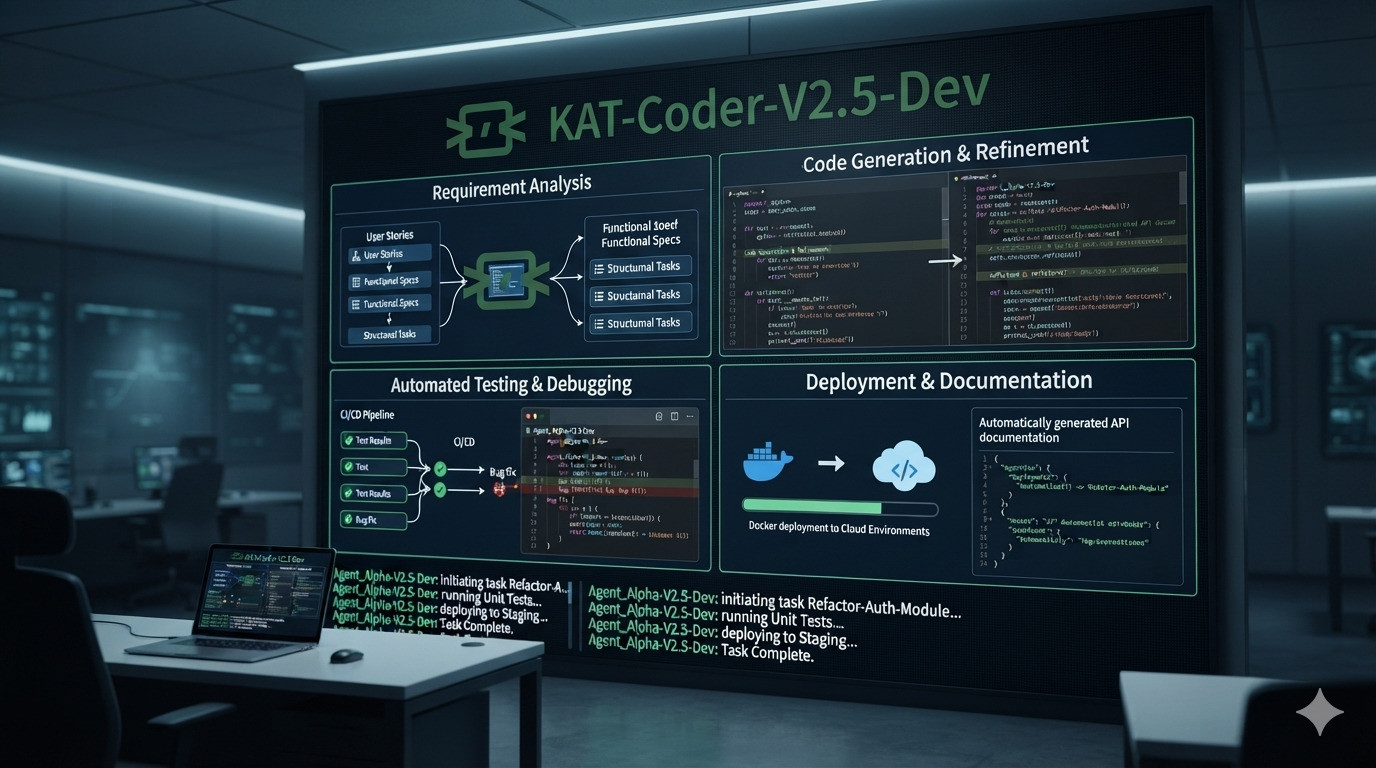
KAT-Coder-V2.5-Dev: The 35B Mixture-of-Experts Model Built for Autonomous Coding Agents
Kwaipilot’s KAT-Coder-V2.5-Dev is an Apache-2.0 open-weight agentic coding model with 35 billion total parameters and only 3 billion activated parameters. Designed for software-engineering agents, it supports up to 262K tokens of context and delivers strong results across SWE-bench, Terminal-Bench, PinchBench, and KAT-Code-Bench.
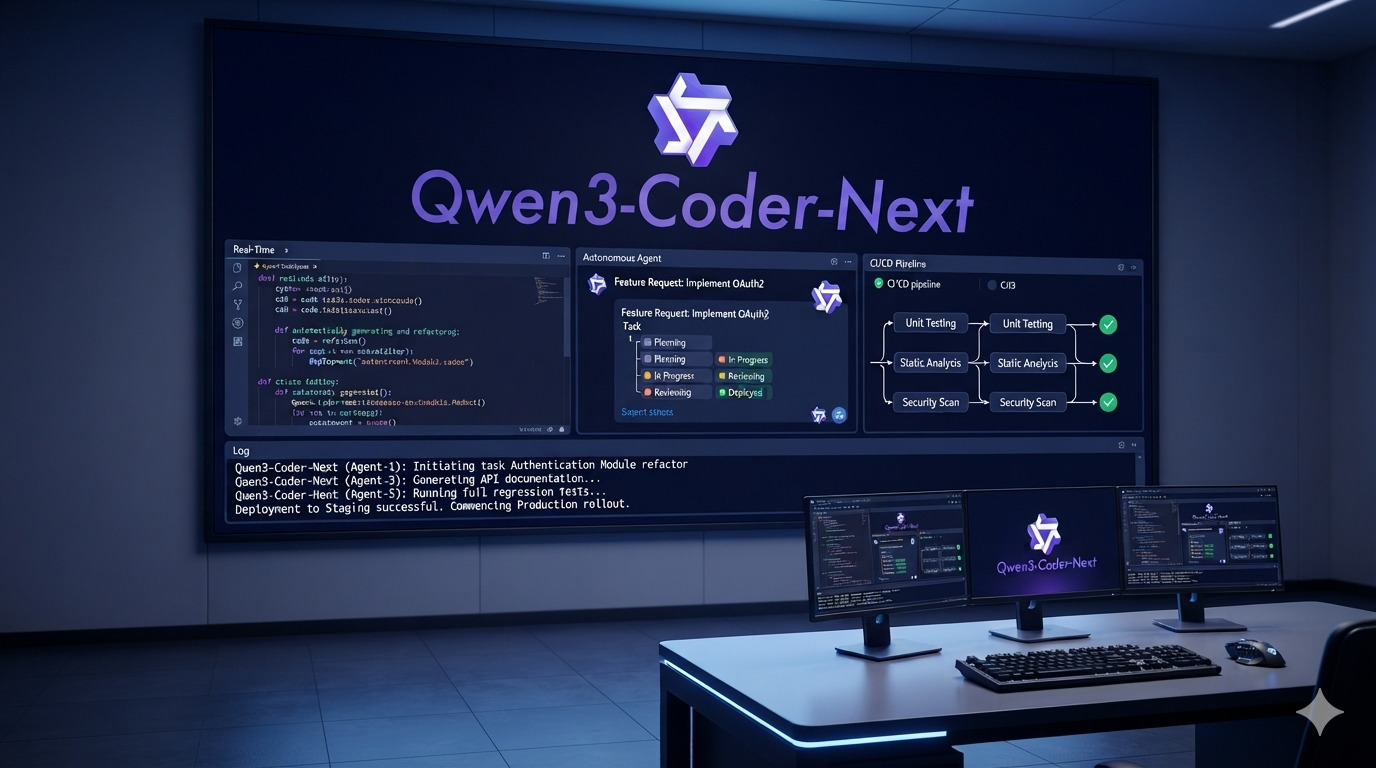
Qwen3-Coder-Next: The 80B Coding Model That Activates Only 3B Parameters
Qwen3-Coder-Next is Qwen’s open-weight coding model built specifically for autonomous coding agents and local development. With 80B total parameters but only 3B activated per token, a 256K context window, strong tool-calling, and support for long-horizon coding tasks, it delivers unusually high coding-agent performance without activating the full model on every inference.

Cursor vs VS Code + Copilot in 2026: Which Should You Choose?
An honest, hands-on comparison between Cursor AI and VS Code with GitHub Copilot. Performance, features, pricing, and which wins for different developers.