Cursor vs VS Code + Copilot in 2026: Which Should You Choose?
An honest, hands-on comparison between Cursor AI and VS Code with GitHub Copilot. Performance, features, pricing, and which wins for different developers.

Choosing your editor in 2026 is choosing your AI teammate. Cursor and VS Code + Copilot look similar — both are VS Code-based — but philosophically they’re worlds apart.
TL;DR Summary
- Choose Cursor if you want an AI-native workflow with agent autonomy and codebase-aware chat.
- Choose VS Code + Copilot if you want stability, extensions, and enterprise support.
Deep Dive: Architecture
Cursor: AI-First
Cursor forks VS Code but replaces the core completion engine. Every keystroke is sent to a local embedding model, then to Claude/GPT-4o for prediction. Its killer feature is Composer — select files, describe a feature, and watch it create a plan then execute.
# Example Cursor Composer prompt
"Create a Stripe checkout flow with webhook handling,
use our existing prisma schema, add tests"
It generates 4 files, runs npm test, and fixes failures automatically.
VS Code + Copilot: AI as Plugin
Copilot is brilliant but bounded. It excels at single-file completions and Copilot Chat. Workspace is catching up but still requires more prompting.
Benchmark: Real Task
We gave both the same task: Add role-based access control to a Next.js 14 app with 42 files.
| Metric | Cursor Agent | Copilot Workspace |
|---|---|---|
| Time to completion | 4m 12s | 11m 40s |
| Files modified | 7 | 5 |
| Tests passed | 9/9 | 6/9 |
| Manual fixes needed | 0 | 3 |
Cursor won on autonomy. Copilot won on explainability — every change had a clear diff comment.
Pricing Breakdown
- Cursor Pro: $20/mo, 500 fast requests + unlimited slow
- Copilot Individual: $19/mo, unlimited completions + 300 chat
- Copilot Business: $21/user, adds policy controls
For solo devs, price is wash. For teams, Copilot Business has better admin.
Pros & Cons
Cursor Pros
- Unmatched Composer agent
- Better multi-file awareness
- Built-in privacy mode
Cursor Cons
- Fewer extensions work perfectly
- Sync settings less mature
Copilot Pros
- Rock solid stability
- Massive community
- Enterprise compliance
Copilot Cons
- Feels like an add-on, not native
- Slower on large refactors
Verdict
If you’re a full-time builder shipping weekly, Cursor is worth switching for. If you’re in a regulated enterprise or love your VS Code setup, Copilot is safer.
Pro tip: Run both. Use Cursor for greenfield features, VS Code for maintenance.
Related articles
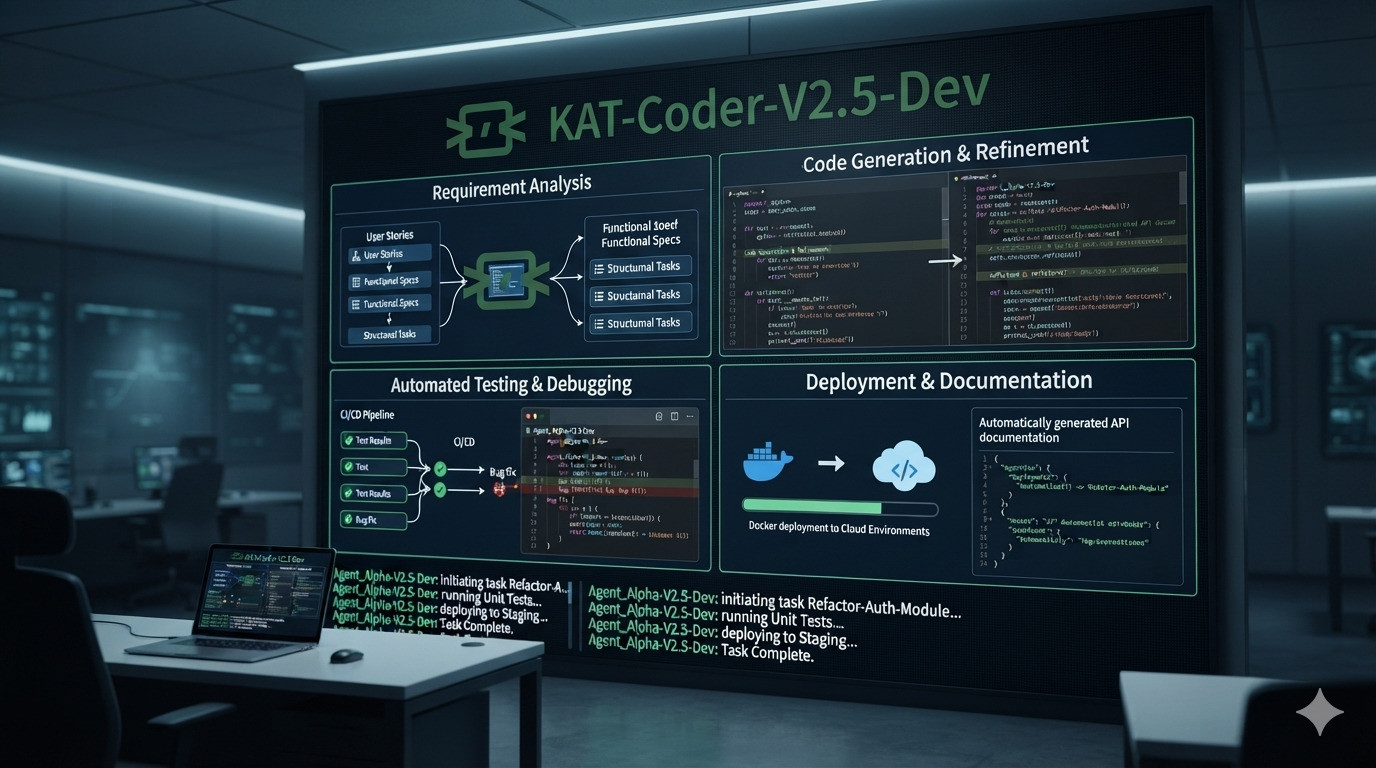
KAT-Coder-V2.5-Dev: The 35B Mixture-of-Experts Model Built for Autonomous Coding Agents
Kwaipilot’s KAT-Coder-V2.5-Dev is an Apache-2.0 open-weight agentic coding model with 35 billion total parameters and only 3 billion activated parameters. Designed for software-engineering agents, it supports up to 262K tokens of context and delivers strong results across SWE-bench, Terminal-Bench, PinchBench, and KAT-Code-Bench.
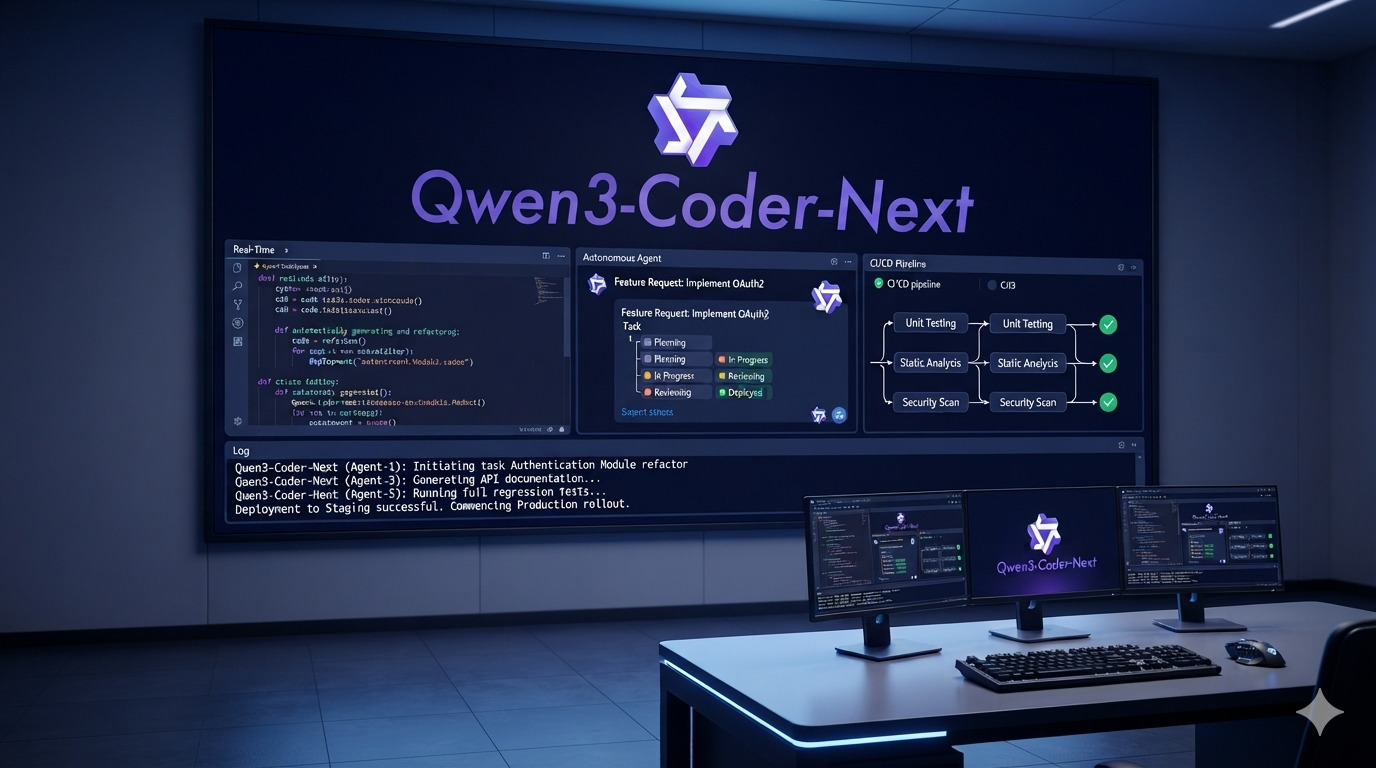
Qwen3-Coder-Next: The 80B Coding Model That Activates Only 3B Parameters
Qwen3-Coder-Next is Qwen’s open-weight coding model built specifically for autonomous coding agents and local development. With 80B total parameters but only 3B activated per token, a 256K context window, strong tool-calling, and support for long-horizon coding tasks, it delivers unusually high coding-agent performance without activating the full model on every inference.

Top 10 AI Coding Assistants in 2026: The Ultimate Developer Guide
We tested 15+ AI coding assistants for 3 months. Here are the top 10 tools that actually boost productivity in 2026, with pricing, benchmarks and honest verdicts.