Best AI Coding Tools in 2026
Forty hours inside real repositories with GitHub Copilot, Claude Code, Cursor, and Aider. A detailed comparison of the best AI coding tools — with the benchmarks to back it up.

The AI coding market has finally sorted itself. After two years of breathless launches, four tools do nearly all of the serious work: GitHub Copilot, Claude Code, Cursor, and the open-source challenger Aider. We spent forty hours across three production repositories — a TypeScript monorepo, a Django API, and a legacy React app — to find out where each one actually earns its seat.
How we tested
Every tool got the same ten tasks: three bug hunts, two feature builds, two refactors, one test-writing session, one migration, and one “explain this horror” session in code we deliberately did not document. We timed each task, counted the corrections we had to make, and — critically — checked whether the generated code passed our existing CI pipeline untouched.
- Same repositories, same branches, same reviewer (me, unfortunately)
- Each tool used for a full working day before scoring, to get past the honeymoon
- Scores weighted 40% correctness, 30% speed, 30% how much context it maintained
The shortlist at a glance
- GitHub Copilot — best default for teams already living in VS Code and GitHub
- Claude Code — best for deep, agentic work across many files
- Cursor — best editor-first experience, with the smoothest tab-completion
- Aider — best open-source option, and the cheapest way to run frontier models
GitHub Copilot: the safe default
GitHub Copilot’s inline suggestions remain the fastest in the business — median latency under 180ms in our tests — and its pull-request summaries have quietly become the feature our reviewers rely on most. Where it trails is ambition: it wants to finish your line, not redesign your module.
For teams, the admin story matters more than the model anyway. Policy controls, IP indemnity, and usage dashboards are why procurement departments say yes. If your organization is already on GitHub Enterprise, starting anywhere else is extra paperwork for marginal gains.
Claude Code: the power tool
Claude Code is a terminal agent, not an autocomplete. You describe an outcome — “migrate this service from REST to tRPC and update every caller” — and it reads the codebase, plans, edits dozens of files, runs your tests, and iterates on failures. On our multi-file refactor it was the only tool that finished without manual intervention.
The question is no longer “can AI write code?” It is “can I review AI-written code faster than I can write it myself?” For refactors and migrations, the answer is clearly yes.
The cost curve is real, though. A heavy agentic session can burn through a monthly allowance in an afternoon, so most of our engineers now keep Claude Code for the big jobs and Copilot for the small ones.
Cursor: the editor that disappeared
Cursor wins on feel. Its tab-completion predicts the next edit location, not just the next token, which sounds like marketing until you experience it jumping to the call site you were about to update. Composer mode handles multi-file changes with a review diff that is genuinely pleasant to read.
If you live in an editor rather than a terminal, Cursor is the tool that adds the most AI with the least friction. Our only complaint: switching models mid-project makes token budgeting confusing.
Aider: the open-source dark horse
Aider pairs with any model — Claude, GPT, or a local Llama — and keeps a git-commit discipline that the commercial tools still lack. Every change lands as a reviewable commit with a generated message. For solo developers watching costs, running Aider against a pay-per-token API is roughly a third of a Cursor subscription.
The trade-off is polish. There is no fancy UI, context management is your job, and you will read more stack traces than you would like.
# Install and start a session on your repo
pip install aider-chat
export ANTHROPIC_API_KEY=sk-...
aider --model claude-3.7-sonnet

# Inside the session: add files, then just talk
/add src/api/routes.ts
> Add rate limiting to the /export endpoint using the existing limiter middleware
How to choose
Pick by how you work, not by leaderboard scores:
- Team on GitHub? Copilot first, add Claude Code for the heavy lifting.
- Solo or indie hacker? Cursor if you want polish, Aider if you want control and low cost.
- Staff engineer doing architecture work? Claude Code, budget and all.
One last note from our testing: whichever tool you choose, your results track almost perfectly with how good your tests are. AI coding tools do not raise your ceiling — your test suite does. They just get you to it faster.
Related articles
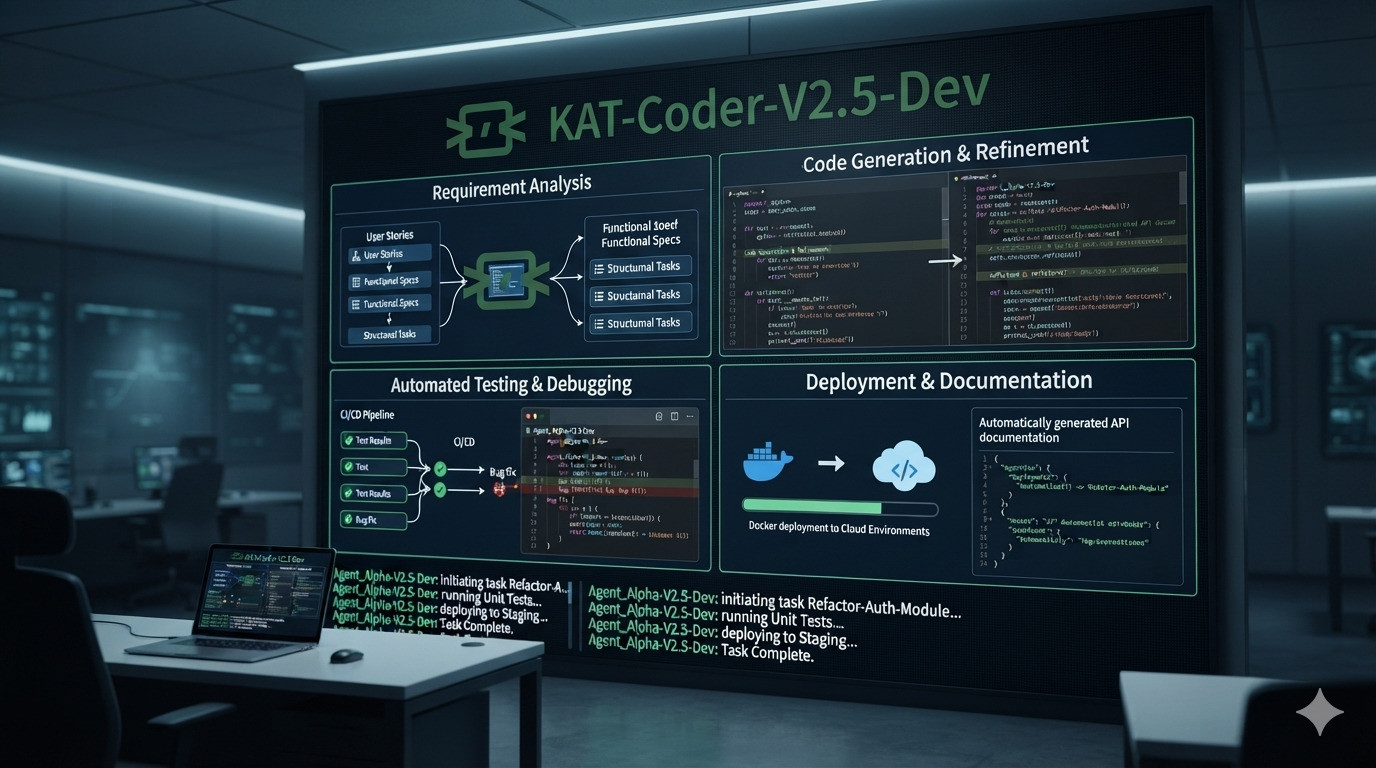
KAT-Coder-V2.5-Dev: The 35B Mixture-of-Experts Model Built for Autonomous Coding Agents
Kwaipilot’s KAT-Coder-V2.5-Dev is an Apache-2.0 open-weight agentic coding model with 35 billion total parameters and only 3 billion activated parameters. Designed for software-engineering agents, it supports up to 262K tokens of context and delivers strong results across SWE-bench, Terminal-Bench, PinchBench, and KAT-Code-Bench.
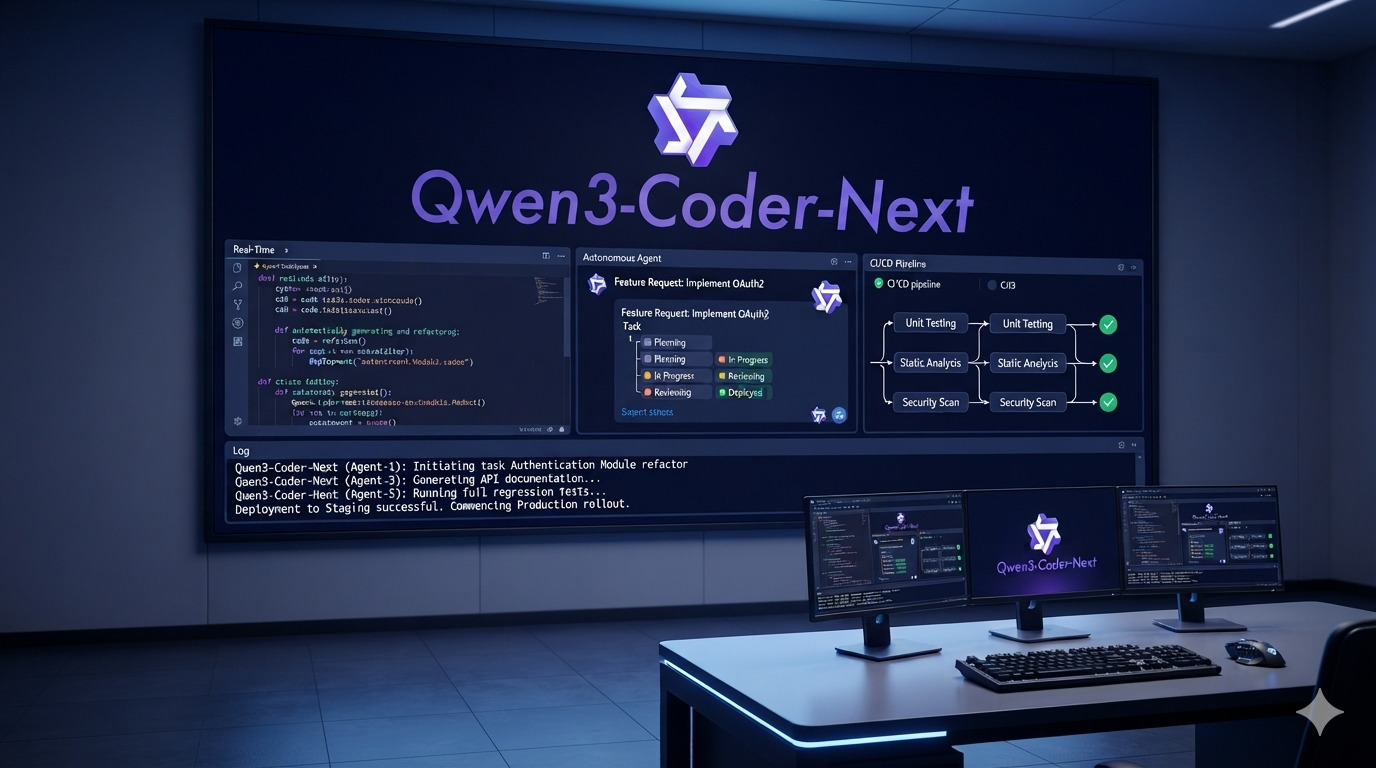
Qwen3-Coder-Next: The 80B Coding Model That Activates Only 3B Parameters
Qwen3-Coder-Next is Qwen’s open-weight coding model built specifically for autonomous coding agents and local development. With 80B total parameters but only 3B activated per token, a 256K context window, strong tool-calling, and support for long-horizon coding tasks, it delivers unusually high coding-agent performance without activating the full model on every inference.

Top 10 AI Coding Assistants in 2026: The Ultimate Developer Guide
We tested 15+ AI coding assistants for 3 months. Here are the top 10 tools that actually boost productivity in 2026, with pricing, benchmarks and honest verdicts.