The 2026 AI Productivity Stack: 9 Tools That Earn Their Keep
Meetings, notes, search, and inbox — we rebuilt a full working day around AI productivity tools and kept only the nine that survived. Here is the exact setup, with costs.
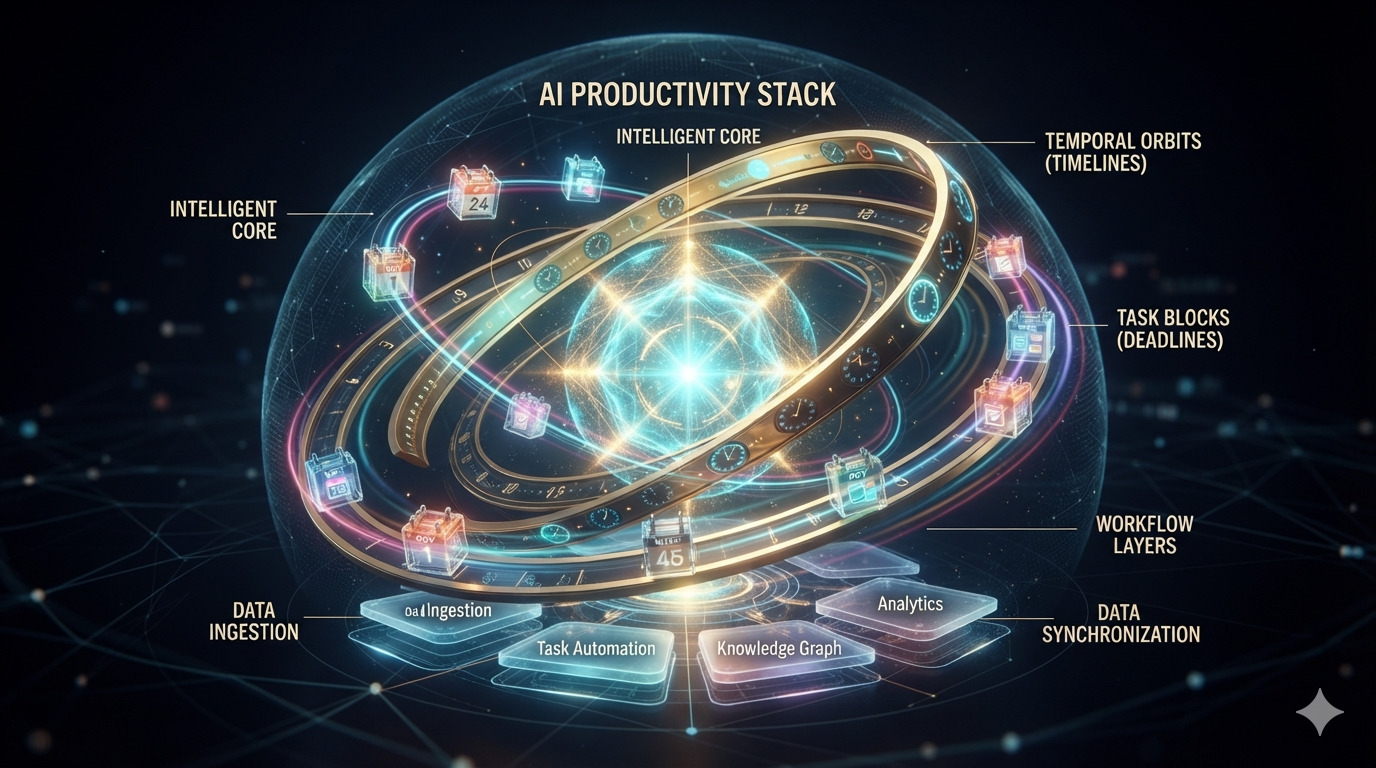
Most AI productivity advice is a list of forty tools you will install on Sunday and abandon by Wednesday. This is the opposite article: I rebuilt my entire working day around AI tools for a quarter, tracked where each one actually saved time, and cut everything that did not clear 30 saved minutes per week. Nine tools survived. Total cost: $74 a month.
The stack at a glance
- Meetings: Fireflies — transcription plus action-item extraction
- Notes: Notion AI — the meeting-to-doc pipeline
- Search: Perplexity — the first stop for any factual question
- Inbox: Superhuman AI — triage that learned my priorities
- Calendar: Motion — auto-scheduling that defends deep work
- Launcher: Raycast AI — answers without leaving the keyboard
- Docs: Claude — drafting and restructuring long documents
- Reading: NotebookLM — turning source piles into briefings
- Tasks: Todoist AI assistant — natural-language capture
Meetings: the biggest win
Fireflies joins my calls, transcribes, and — the part that matters — extracts decisions and action items with owners. The Monday-morning ritual of “what did we even decide?” is gone. Accuracy on technical vocabulary runs about 95% after you train it on your product names once.
The workflow: Fireflies summary syncs into a Notion database, where Notion AI turns the raw notes into a structured doc while the meeting is still warm. Total post-meeting work: about ninety seconds.
Search: stop opening twelve tabs
Perplexity replaced the open-twelve-tabs ritual for research questions. The difference from a chatbot is citations — every claim links to a source, which means I trust it enough to act on it without re-verifying everything. For anything where being wrong costs something, the Pro tier’s deeper search is worth the $20 alone.
The inbox and the calendar
Superhuman’s AI split my inbox into three piles: needs me, needs a reply eventually, noise. It learned that anything from our finance director is “needs me” faster than I could have explained it. Motion does the same for time — it schedules my deep-work blocks and, crucially, defends them when meetings try to colonize Tuesday morning.
The pattern across every tool that survived: it has to act on my behalf, not just advise me. Advice is another tab. Action is a refund on my attention.
What got cut
The graveyard, for your amusement: three AI note apps that duplicated what Notion already did, an AI scheduler that could not handle recurring 1:1s, two “AI second brain” tools whose recall was worse than search, and every AI browser that promised to “work for you” and mostly worked on my patience.
Start with one layer
Do not install nine tools. Pick the layer that bleeds the most time — for most people it is meetings — and wire up one pipeline end to end. When the ninety-second post-meeting workflow is humming, the next layer becomes obvious. Productivity stacks are grown, not bought.
Related articles
LFM2.5-VL-3B: The Tiny Multimodal Model Built for AI That Runs Anywhere
Liquid AI’s LFM2.5-VL-3B combines a 2.6B language backbone with a 400M SigLIP2 vision encoder, bringing OCR, visual grounding, document understanding, and image reasoning to laptops, phones, and other edge devices with remarkably low memory usage.

11 Best Free AI Tools for Productivity in 2026 (Tested & Ranked)
Stop paying for hype. These 11 genuinely free AI tools save 10+ hours weekly — from note-taking to scheduling, writing, and automation.

Top Software Tools for Solopreneurs in 2026: Stack That Scales to $1M
The lean, battle-tested stack solo founders use to hit $1M ARR without hiring — from payments to support, automation, and analytics.